

Getting a high-temperature alarm when everything seems fine? In many cases, your unit is simply defrosting.
During defrost, the temperature rises briefly to melt ice. That is normal. But if your alarm settings don't allow for that short spike, you may get an alarm even though nothing is wrong.
Why defrost
Watch for ice that returns quickly
Refrigeration and freezer units need regular defrost cycles to remove ice. Ice builds up when warm, moist air enters the unit. This can happen when doors open, goods are moved in and out, or door seals are not closing properly. This ice can block airflow, make the unit work harder, and waste energy.
During defrosting, the temperature rises briefly. If temperature thresholds in IWMAC are set without accounting for defrost, the temporary temperature rise will exceed the threshold and trigger an alarm. This is a "false" alarm – there is no actual fault.

The quick fix: set an alarm delay
The easiest way to avoid false alarms is to add an alarm delay. This tells IWMAC to wait before sending the alarm. If the temperature drops back to normal after defrosting, no alarm is sent. If it stays too high, you still get warned.
- Log in to "Service mode" on your facility.
- Go to "Alarm settings".
- Find the temperature alarm for the unit in question.
- Set a delay of 15 – 30 minutes.
- Save.
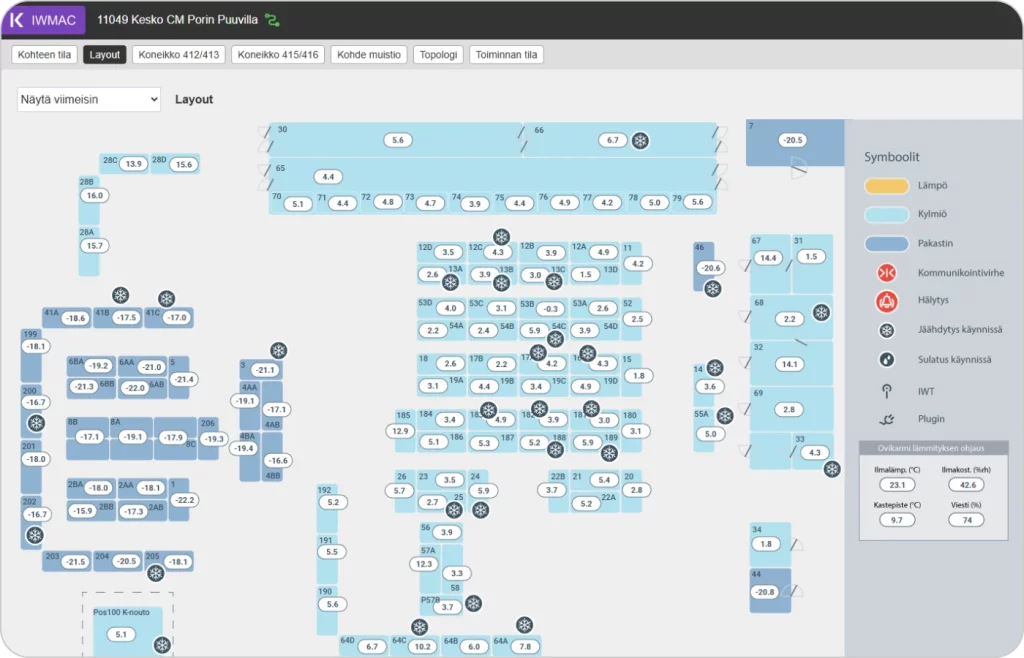
Recommended delay
| Unit type | Typical defrost time | Recommended delay |
|---|---|---|
| Refrigerated cabinet/cold room | 10 – 20 minutes | 20 – 30 minutes |
| Freezer cabinet/freezer room | 15 – 30 minutes | 30 – 45 minutes |

When to take action
If the alarm clears soon after defrosting, you usually do not need to worry. If it stays active for more than 45 – 60 minutes, it is worth checking the unit.
- Is the door closed properly?
- Are the seals damaged or dirty?
- Is the airflow blocked?
- Is there heavy ice build-up?
- Is the fan or compressor running?
If the alarm keeps coming back, or the unit does not return to normal temperature, contact a service partner.

Smart defrosting tips
- Do not defrost more often than needed: too much defrosting wastes energy.
- Watch for ice build-up: repeated ice build-up often points to a setting or airflow issue.
- Keep airflow clear: do not block vents with products.
- Check doors and seals: warm air getting in creates more ice.
- Use IWMAC data: look for patterns instead of guessing

Learn more about refrigeration and cooling – view our latest articles and tips